Redeem Rintama High Codes
Use the in-game phone Settings field to claim Yen and Reroll Tokens.
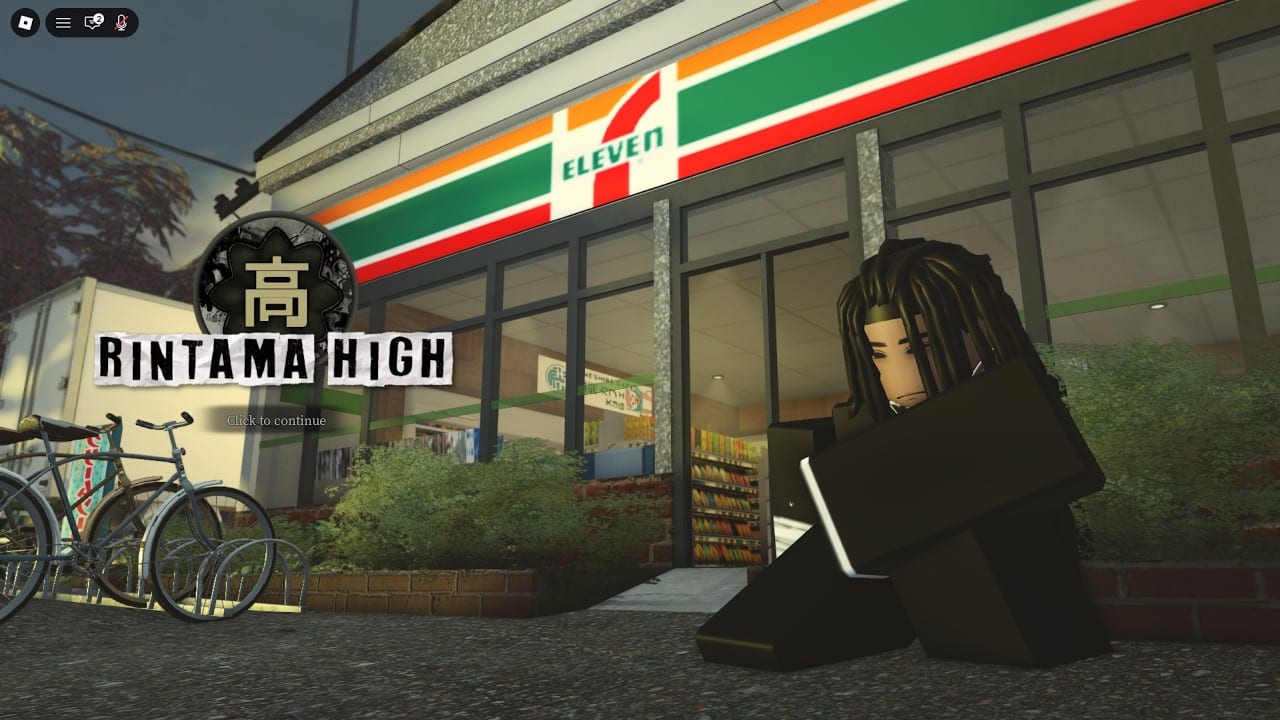
Redeeming Rintama High codes is simple once you find the phone Settings app, but the menu layout surprises new players. This guide walks through character setup, opening the phone, pasting codes, and fixing common redeem errors so you bank launch rewards before grinding jobs in Hokuheki City.
Before you redeem
Finish character creation first. Codes sit behind the phone UI, which appears after you spawn into the experience. Launch Rintama High on Roblox, join a server, and complete the initial look. You can refine clothing IDs later with the clothing ID helper and customization guide.
Keep the active codes list open on a second screen or phone. Copy one code at a time to avoid typos. Case and spelling must match exactly.
Step-by-step redeem path
- Spawn in Rintama High after character setup.
- Press Tab to open the menu and choose Phone, or press Q if that bind opens the phone on your device.
- Tap the Settings app on the phone.
- Find the code text box near the top of Settings.
- Paste a working code from the Codes Hub.
- Press Redeem and wait for the reward confirmation.
- Repeat for every active code, including Yen and Reroll Token drops.
Some guides mention holding Tab briefly, then clicking Phone. If the phone does not open, check that another UI is not covering the screen and that you are not mid-dialogue with an NPC.
Passive Mode lives in the same menu
Settings also holds Passive Mode. Leave it on for peaceful school roleplay. Turn it off only when you are ready for PvP and have enabled Shift Lock. Combat inputs fail while Passive Mode is active — details are in combat and controls. Redeem codes before you worry about fights so your Yen is ready for styles at Kamasaki Yuri.
Troubleshooting failed codes
Already redeemed. Each code is typically once per account. Skipping to the next code is normal.
Typo or extra space. Paste from the code copy helper instead of typing by hand.
Expired or disabled. Launch-week codes rotate. Recheck the Codes Hub and updates.
Server lag after a patch. Wait a minute and retry. Hotfixes can delay redemption globally.
Wrong menu. Codes are not on the Roblox website redeem page for this experience. They use the in-game phone Settings field only.
What to do right after redeeming
Open the map app, equip the skateboard, and route toward school NPCs and job spots. The getting started guide and map and NPCs overview prevent aimless walking. Save Yen for fighting styles once you know whether you prefer Rush, Beast, or Brawler — compare them on the tier list.
If you prefer video pacing, the embed mid-article shows a starter-oriented codes walkthrough. Pause it when the creator shows the phone UI and mirror those taps on your client.
Mobile and controller notes
On mobile, look for the phone icon or the on-screen equivalent of Tab/Q in the experience UI. Controllers may need the menu button mapped by Roblox settings. The Settings app and Redeem button remain the same once the phone is open. If the text box will not accept paste, type carefully or switch to keyboard input on your device.
Safety reminders
Never enter codes on third-party websites that ask for your Roblox password. Only redeem inside the official experience. This wiki is fan-made and not affiliated with Roblox or o7 Delinquent Café. For script-based auto redeemers, read the risk notes on scripts before considering them.
Redeeming well turns a confusing first hour into a funded start. After codes, farm with jobs and keep this how-to bookmarked for the next Discord drop.
Frequently Asked Questions
Quick answers to the most common questions.
Is the redeem box on the Roblox website?
No. Rintama High codes redeem inside the game phone Settings app after you join the experience.
Tab or Q — which opens the phone?
Both are commonly reported. Try Tab then Phone, or Q, depending on your client binds.
Can I redeem the same code twice?
Usually no. One redeem per account per code is the expected rule.
What if Redeem does nothing?
Check spelling, wait after updates, confirm the code is still listed as active, and ensure you finished character creation.
Should I turn off Passive Mode to redeem?
No. Passive Mode does not block code redemption. Leave it on until you intentionally start PvP.